The creations catalog. An incomplete list of things I’ve made that I felt like sharing. Art. Coding projects. Writing. Whatever.
2026
Obsidian-based Project Management System
After years of iteration, I’ve arrived on an Obsidian-based project management system that I enjoy using, with no asterisks necessary.
Overview
Capabilities
Project management
With tasks & project notes
Housing resources used by projects
Housing templates
Getting Things Done
Projects list
Next Actions list - automatically derived from in-progress tasks in projects
Housing & facilitating my weekly review
Features
Almost zero overhead - I don’t spend time managing things for the sake of the system, it works with how I manage things naturally
Templates & resources - don’t repeat yourself
Reusable modules - don’t repeat yourself
Weekly notes - Daily notes go by too quickly, weekly notes work better for my brain
Folder-based project lifecycle management - Projects are active, backlog, or maybe depending on which folder they’re in
Vault Structure
Those familiar with Tiago Forte’s PARA method will recognize the basic structure.
📁 Projects - for active projects
📁 Backlog - for things I know I want to do, but am not actively working
📁 Maybe - for things I might want to do
📁 Areas - for notes about the high-level areas of my life (e.g. health, home, family, etc)
📁 Resources
📁 Assets - where images & non-markdown files go
📁 Templates - for projects, resources, weekly notes
📁 Inventory - for housing notes about things I own (warranties, etc)
📁 Drawings - for housing Excalidraw drawings (and the svg exports)
📁 Modules - for reused modules across my notes (task queries, bases, etc)
📁 Archives - don’t delete things, but also don’t let clutter build up in the main folders
📁 Archived Projects
📁 Archived Resources
📁 Archived Areas - e.g. “school”
📁 Periods
📁 Weeks - for my weekly note
📁 Years - for annual reviews & goals
📄 Home - a Markdown file, not a folder, the only markdown file in the top-level of the vault
Plug-ins
This is why I like the system the most - it’s not using a ton of stitched-together plugins. In particular, I avoid the Dataview & Templater plugins, which are both incredibly powerful and awesome, but not necessary for how I do things.
Core
Tasks - I only use tasks to gain access to the taskquery functionality
Auto-properties - for promoting in-progress tasks to a next property automatically
Optional
QuickAdd - more easily creating project/resource/weekly notes, in the right folder, with the right template
Excalidraw - drawings are good, I set this up in a specific way (more below)
Calendar - the calendar sidebar is an easy way to jump to a given weekly note
Optional - purely aesthetic
Linter - I like having some consistent formatting applied to notes & this manages the created and modified properties
Iconize - adding little icons to notes, similar-ish to Notion
Style Settings - I’ve dabbled with CSS snippets before, but this is easier
Key Notes
Example
Home
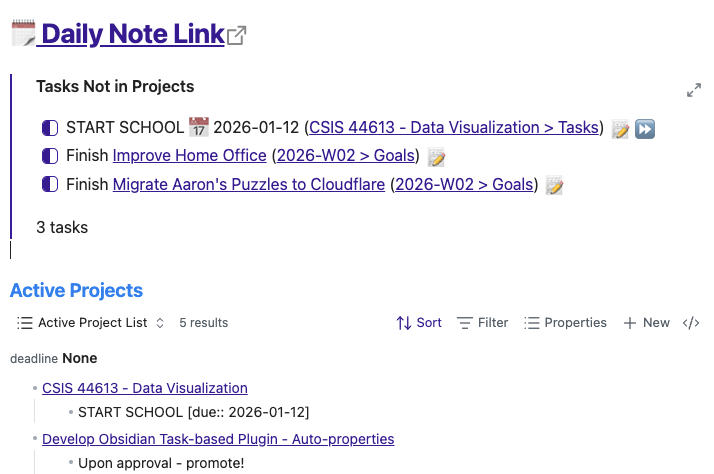
# [🗓️ Daily Note Link](obsidian://daily)![[Tasks Not in Projects]]### Active Projects![[Active Projects.base]]### Backlog![[Backlog.base]]
Tasks Not in Projects
NOTE: to make this render properly I had to take out a backtick. The “tasks” query embed requires triple backticks in reality.
``tasksnot done(due on or before next week) OR ((path does not include Projects) AND (status.type is IN_PROGRESS))``
---created:modified:areas:resources:image: ""todos: 0deadline:next: ""---<span style="font-size: 1.15em; color:orange; padding:0px; margin:0px;">Scope</span>-> [!check] Open Tasks> >> ```tasks> path includes {{query.file.path}}> not done> hide backlink> ```---
Misc Tips
In lieu of writing a full-blown “how to…”, which maybe I’ll do someday, here are a smattering of tips that made it work well.
Auto-properties
Key: “next”
Rule: Pull all lines starting with ”- [/]”
Key: “image”
Rule: Pull first line starting with “![[”
Key: “todos”
Rule: Count all lines starting with ”- [ ]“
Daily Notes
Set the “Daily Notes” plugin option date format to YYYY-[W]WW - this makes it function as weekly notes
The obsidian URLs for daily notes still work, they now just point to your weekly note
Excalidraw
If you, like me, are really particular about using only durable file formats, you can configure Excalidraw to auto-generate and embed SVGs (or PNGs) in your notes.
Use Obsidian-native in-line tasks (i.e. just a regular checkbox)
Mark your next tasks as “in-work” by changing - [ ] into - [/]. This is what makes the auto-property (and thus: bases) work nicely
This is easier if you change the options in the Tasks plugin to change the task statuses such that tapping an empty checkbox first moves it to “in progress” before moving to “complete”
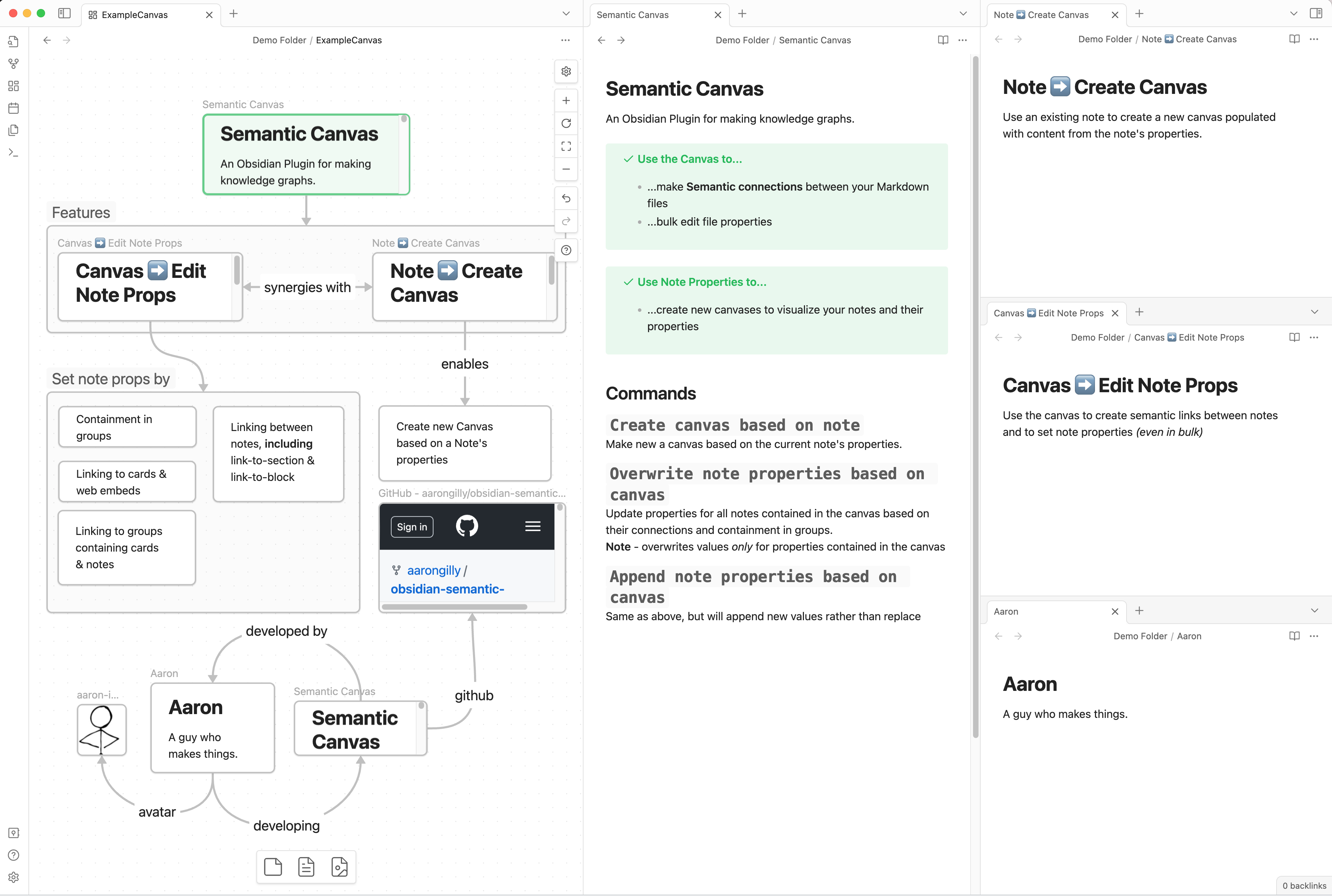
Auto-properties is a Plug-in for Obsidian that allows you to create automatically-updating properties based on the contents of your notes + rules you define.
I’m making a folder called “Island”, which has my backups in it. The island folder is split into two parts - one titled “Cold Storage” and other dated with the ISO 8601 month.
"Backup Island" Folder
A folder, replicated in multiple places, consisting of 2 subfolders:
YYYY-MM = create new snapshot containing current versions, retain old snapshots
flowchart TD
c(Content)
subgraph Island
A(Snapshots)
B(Cold Store)
end
c --new copy--> A
c --merged--> B
NAS
Island --"copied to"--> NAS
Island --"copied to"--> p[Portable HDD]
p --"copied to"--> e[Old Computer]
Cold Storage
Cold storage is for files that don’t change often. Things that, once they exist, they are pretty much “done”. These are the vast majority of files by storage size.
media - what’s in my Plex + some books & audiobooks
documents - copy of my “documents” folder, essentially all of which will never change (e.g. Scans of physical documents)
YYYY-MM Snapshots
These are folders that contain files that are rapidly changing. The kinds of things you would want to retain some history on, in case of latent accidental deletions in the working directories. For me that’s my blog, my notes, my PDW data, and Obsidian-based journal.
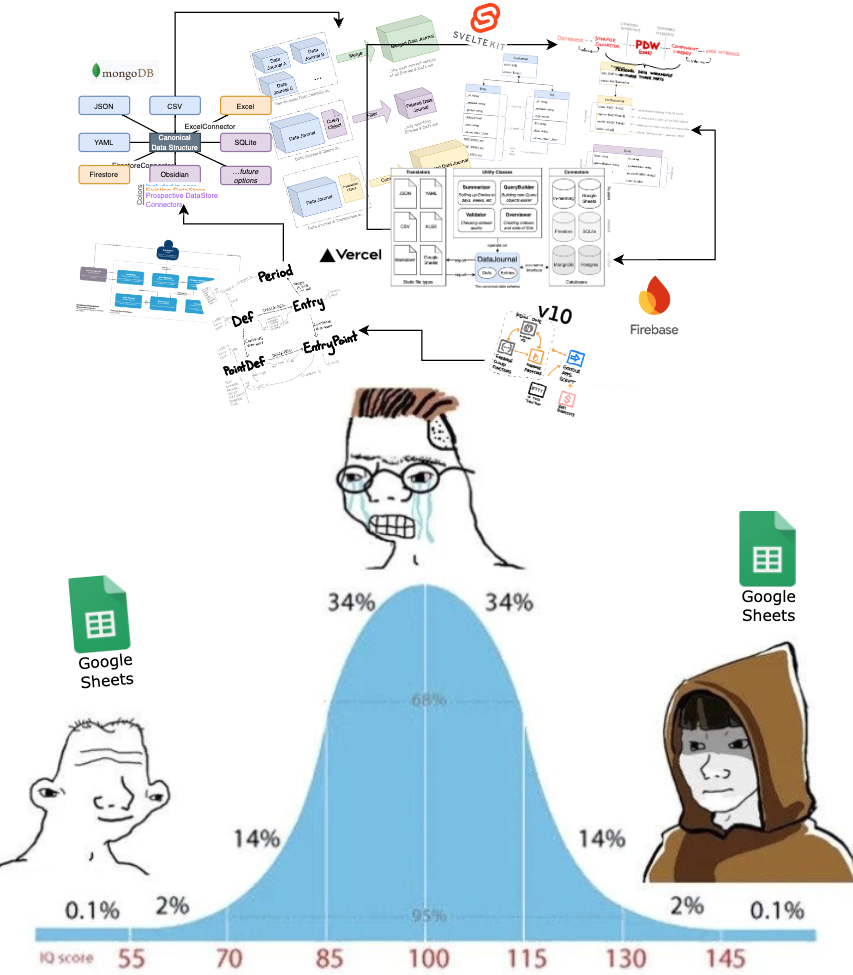
A full-blown departure from the long, complicated era of “custom database solutions” doing a more complicated job of what’s most easily done in Google Sheets.
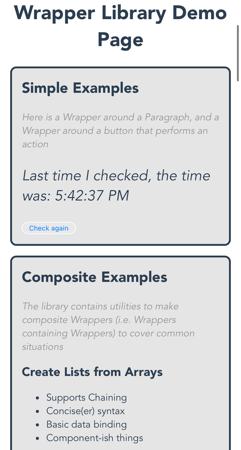
I wrote a (terrible) JavaScript framework as a rite of passage. You shouldn’t use it, because there’s infinitely better options, but check out wrapper-lib on NPM, or jump to the chase with the Demo site: